 EN
EN


SIGN IN
Cart
Raspberry Pi
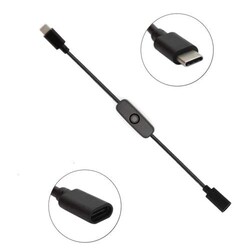
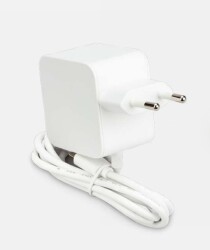
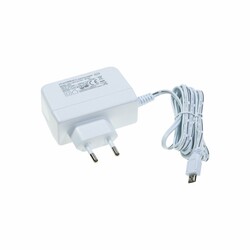
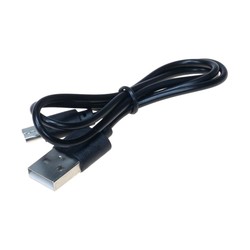
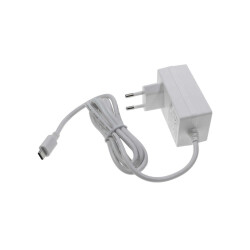
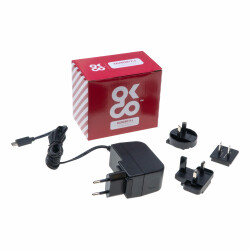
Power Cables: Raspberry Pi requires a power source. A micro USB or USB-C power cable is used to connect Raspberry Pi to a power supply.
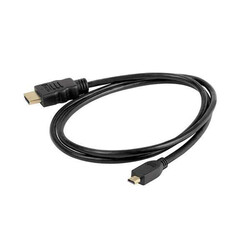
HDMI Cable: An HDMI cable is used to connect Raspberry Pi's video output. This allows you to display Raspberry Pi's desktop on a monitor or television.
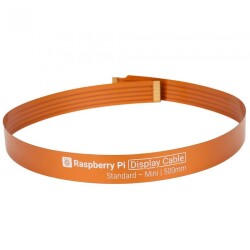
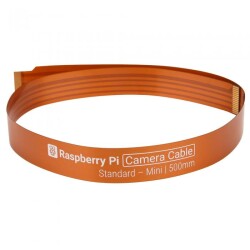
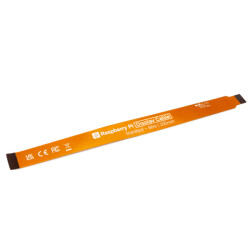
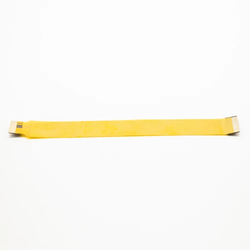
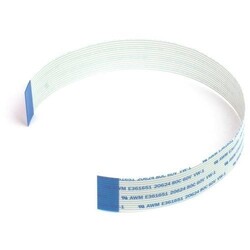
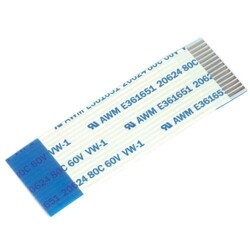
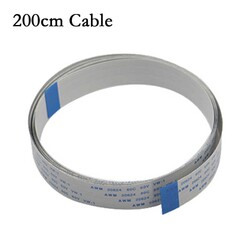
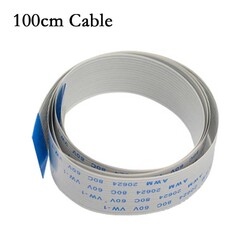
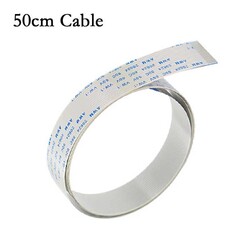
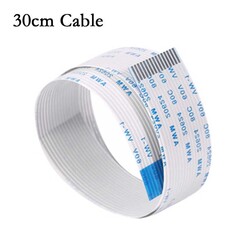
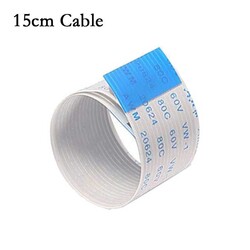
Camera Cable: If you are using a Raspberry Pi camera module, a camera cable is used to connect the camera to the Raspberry Pi. This is used for capturing images or videos.
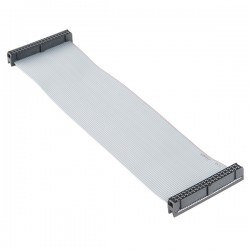
Sensor and Module Cable Connections: Various components like sensors, motor drivers, LED panels, and more may require specific cables and connectors to interface with Raspberry Pi. For example, devices like ultrasonic distance sensors or motion sensors often require specific cable types.
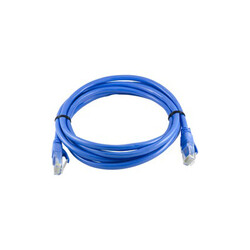
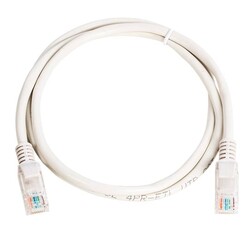
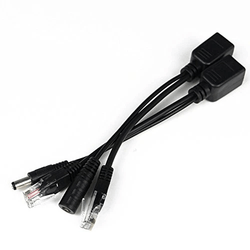
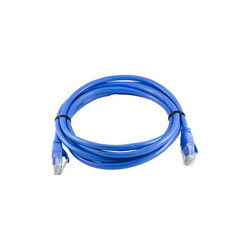
Ethernet Cable: If your Raspberry Pi model has Ethernet connectivity, you can use an Ethernet cable to connect to the internet.
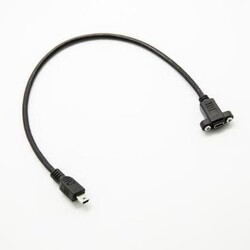
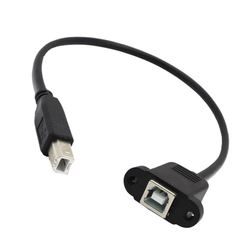
USB Cables: Raspberry Pi features USB ports, allowing you to connect various USB devices. Therefore, different types of USB cables may be required.
These cables and connectors are essential for interfacing Raspberry Pi with various electronic components and peripherals used in electronic projects.
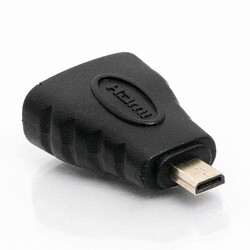
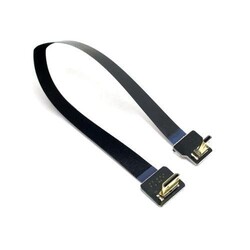
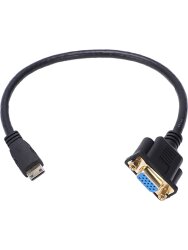
A Raspberry Pi 4 HDMI cable is a cable used to connect the video output of a Raspberry Pi 4 model to a monitor, television, or another display device. HDMI stands for "High-Definition Multimedia Interface," and it is a standard connection used for transmitting high-definition audio and video signals. The Raspberry Pi 4 model features two micro HDMI ports, allowing you to transmit high-quality video and audio signals.
The HDMI cable connects to one of the micro HDMI ports on Raspberry Pi while the other end is plugged into the standard-sized HDMI input of a monitor or television. This connection allows high-resolution video and audio signals to be transmitted from Raspberry Pi to the display device.
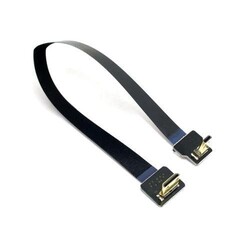
A Raspberry Pi camera module cable is a cable used to connect camera modules supported by Raspberry Pi to the Raspberry Pi itself. This cable connects the camera module to the Raspberry Pi's camera interface port (CSI port) and facilitates the transmission of image and video data. This cable is also known as the CSI (Camera Serial Interface) cable.
The camera module cable has one end connected to the camera module and the other end connected to the Raspberry Pi's CSI port. The cable allows image and video data captured by the camera module to be transmitted to the Raspberry Pi for processing. This enables software running on the Raspberry Pi to receive, process, and optionally record or share data from the camera.
Raspberry Pi camera modules and the cables used to connect them are versatile and can be used in a wide range of applications. For example, they can be used in security systems, home automation, robotics projects, remote monitoring, image processing applications, and more.